Hologram Fan App & Software
Plan your hologram fan app workflow from creative idea to finished display. Prepare a focused loop, test it on your model and make updates easy for your team.
Explore 3D hologram fans ↗- $10 flat standard U.S. shipping
- 30-day returns
- 12-month warranty
- 10,000+ videos
Use a hologram fan app to organize your content
A hologram fan app can be part of the workflow that takes animation from your creative team to the display. Start with your exact model instructions to identify supported software and the transfer method.
Build a routine: prepare a file, transfer it, inspect playback and save the approved version. A dependable process makes changes easier for staff.
Prepare a clear, focused animation
Choose one object or message and give it room to stand out. A black background and a strong silhouette support the floating effect.
Start with the 10,000+ video library for inspiration or prepare your logo and product assets for branded work. Keep important text large and brief.
Place detailed information on nearby signage.
Recommended for your next content idea
Choose the scale that brings your idea to life.
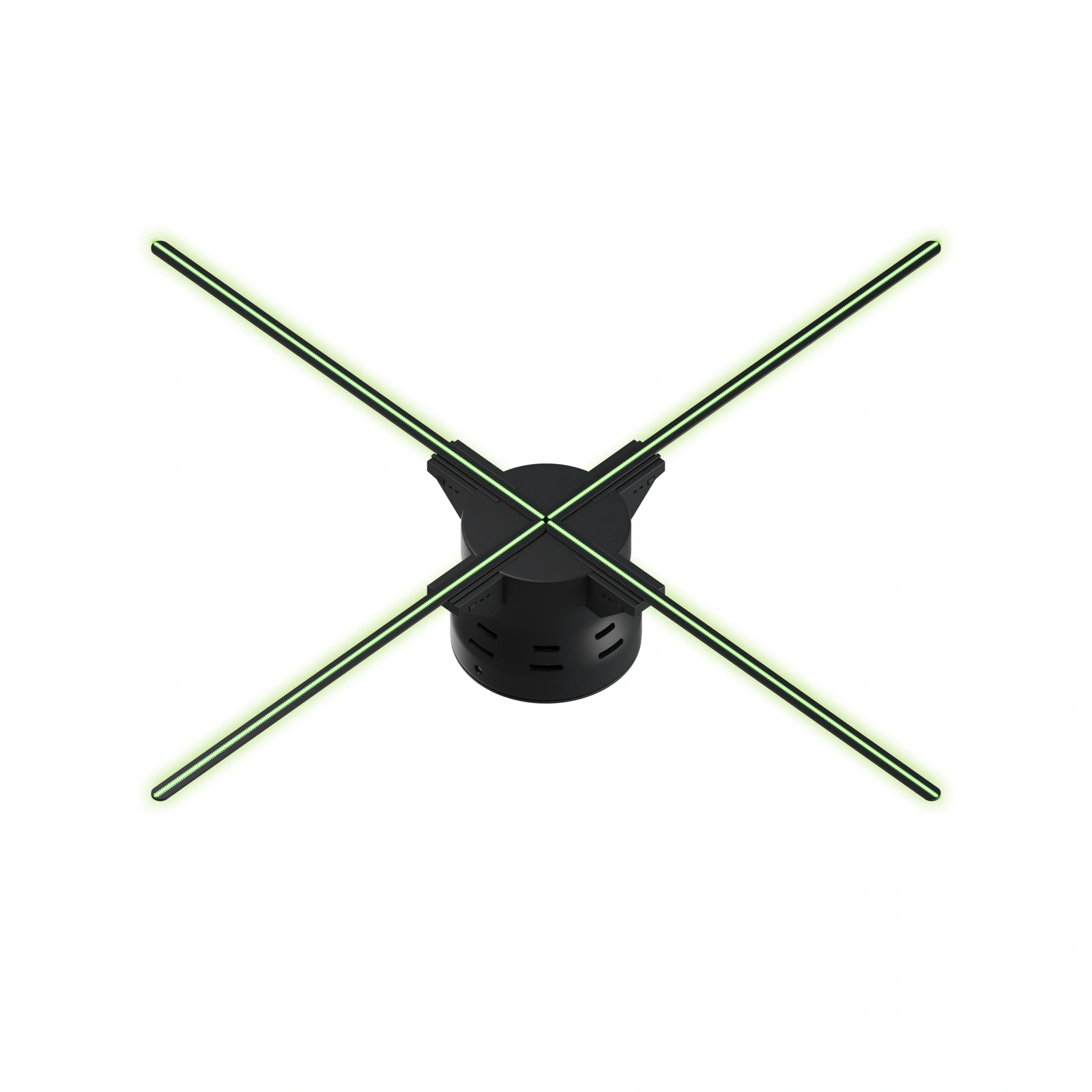
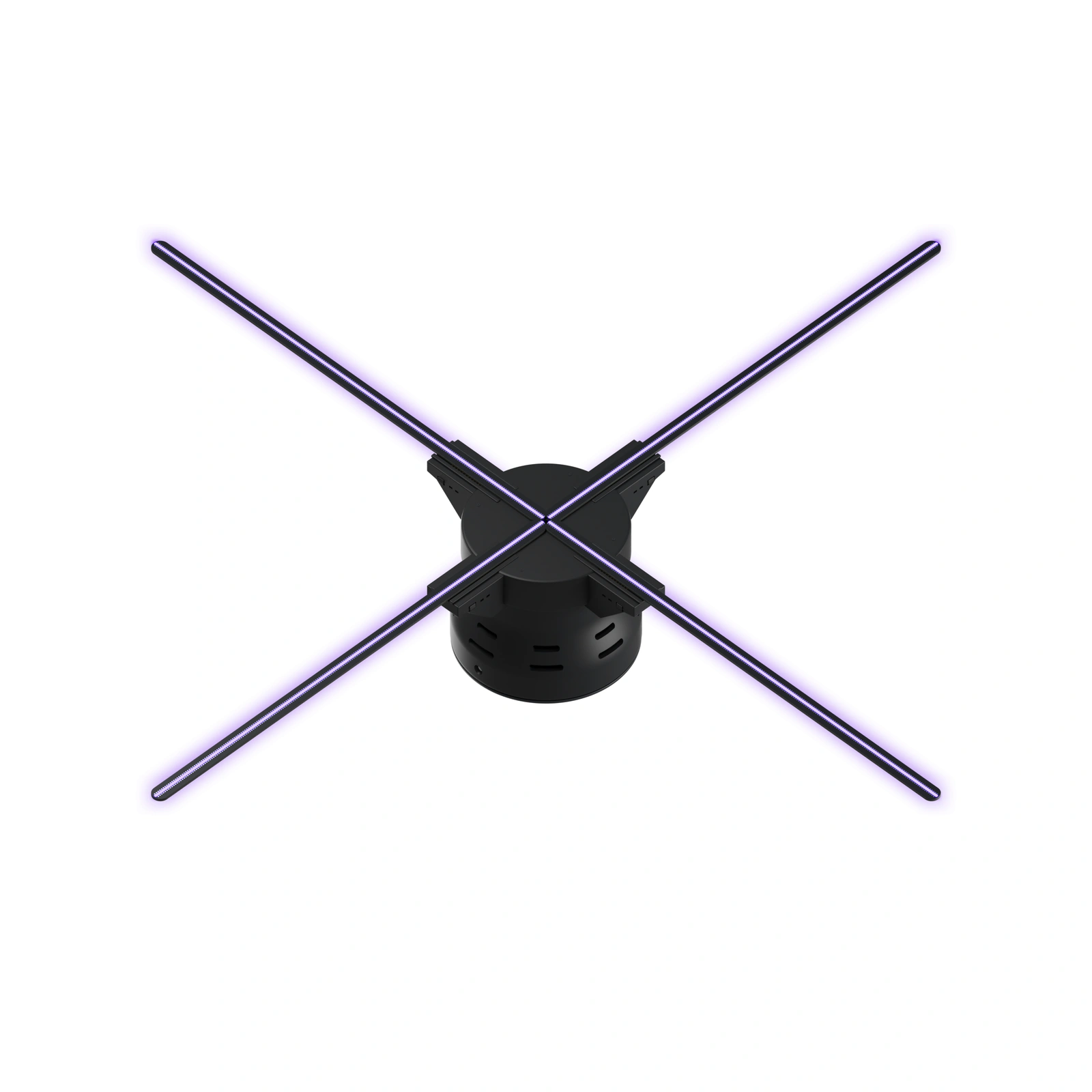
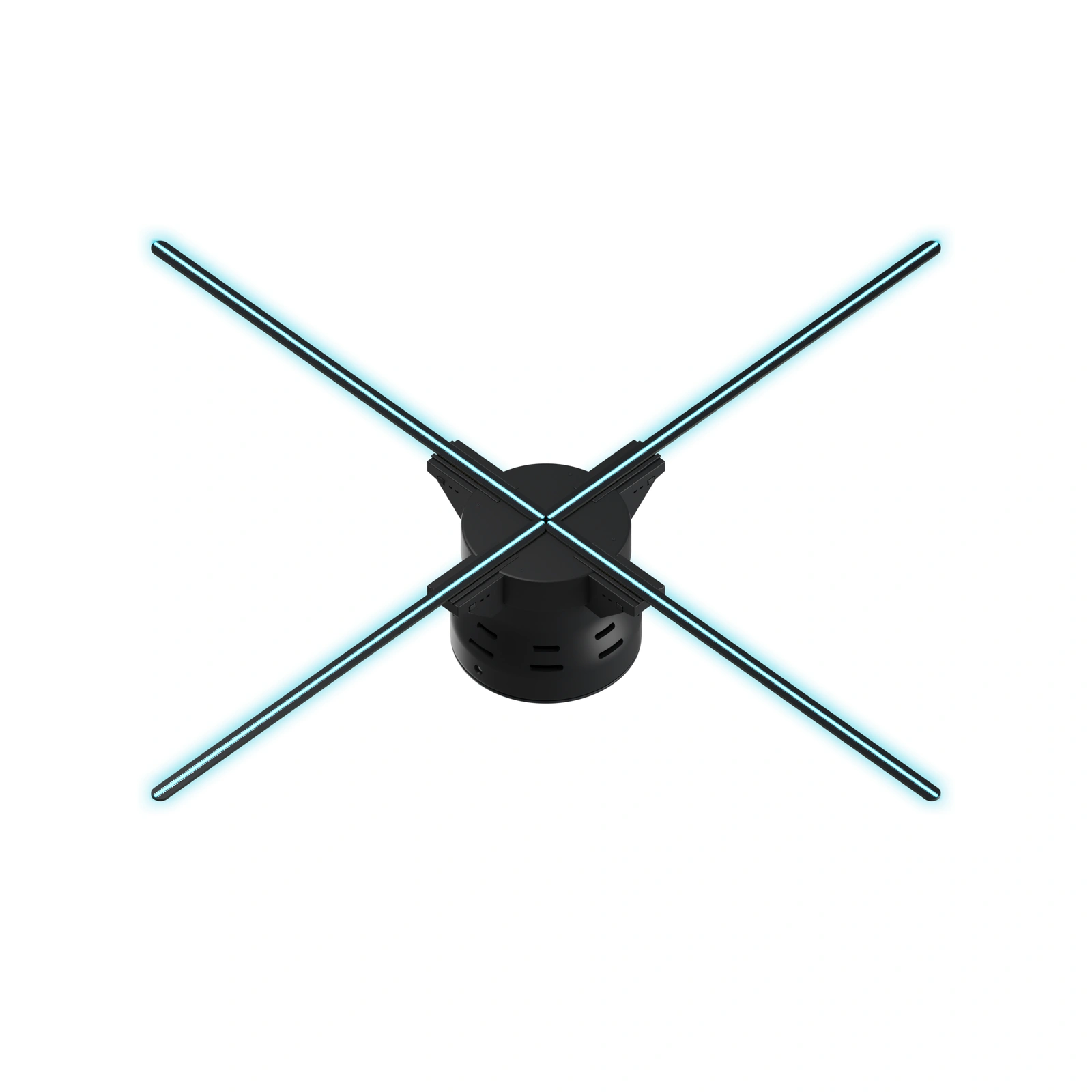
Choose a display for the location
HF 24 works for focused product features, HF 26 for booths and showrooms, and HF 28 for larger booths and lobbies. Compare mounting space and the audience approach.
View a representative animation at the intended scale. This ties creative work to a real location and helps you decide on composition before producing an entire campaign.
Test the file before launch day
Check model instructions for format, resolution and export settings. Transfer a short test through the supported workflow, then inspect the image on the fan.
Look for cropping, small lettering and awkward loop transitions. Play the sequence long enough to see it repeat.
Keep the final approved export separate from working drafts.
Make updates simple for the team
Use filenames that include campaign, location and version. Store approved exports with the original assets and a note on the upload process.
Assign one person to approve changes and keep a known-good loop ready to restore. Check the final content before event guests arrive or a new retail promotion begins.
Plan advanced requirements before ordering
Include your phone or computer platform and remote-update, scheduling or multi-display requirements in the brief. The connection and controls depend on the model; use its specifications to choose a workflow.
Compare 3D hologram fans or request a quote for a larger installation. U.S. standard shipping is $10 per order; 30-day returns and a 12-month warranty are included.
FAQ
Does an app mean the fan has Bluetooth?
Wi-Fi and Bluetooth are different connection methods. Use the connection listed for your exact model; an app alone does not identify the supported connection.
How much does the display cost?
Choose a model to see its current price or request a quote. Include mounting, protection, transport and branded creative work in the project budget.
Can I show my own logo or product animation?
Yes. Prepare branded content using the selected model’s supported format and export settings, then test it on the hardware. The included 10,000+ video library offers a starting point for exploring ideas.
How do I plan the installation?
Measure the full footprint, choose compatible mounting and protection, and plan the power route. Follow model instructions and keep rotating hardware beyond public reach. Test under venue lighting before launch.
What shipping, returns and warranty are included?
U.S. standard shipping is $10 per order; 30-day returns and a 12-month warranty are included. Review the shipping, returns and warranty pages for purchase policies.
Recommended for your next content idea
Choose the scale that brings your idea to life.
- $10 flat standard U.S. shipping
- 30-day returns
- 12-month warranty
- 10,000+ videos