Hologram Fan Buying Guide
Use this hologram fan buying guide to choose the size, content and placement for your business. Build a display that gives people a reason to stop and discover your product.
- $10 flat standard U.S. shipping
- 30-day returns
- 12-month warranty
- 10,000+ videos
In this guide Six decisions for your first display
Start with the experience you want to create
Choose the moment you want to create before choosing the display. A retail window needs a visual people understand as they walk past.
A trade-show booth needs a reason to pause and talk. An event entrance needs an unmistakable welcome.
Write down that single purpose and select one animation that delivers it. The right combination of scale, content and placement makes 3D hologram fans part of your customer journey.
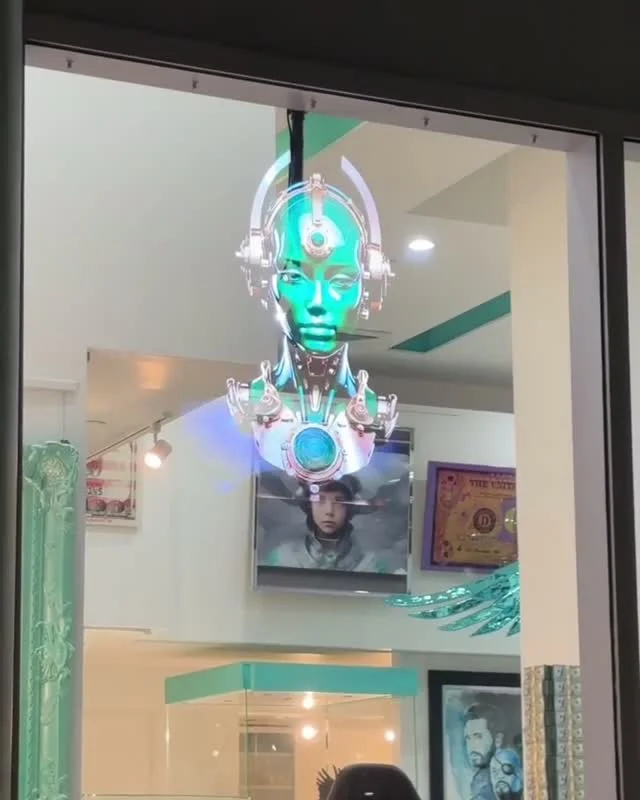
Retail that invites a closer look
Bring a window, product feature or showroom into motion.
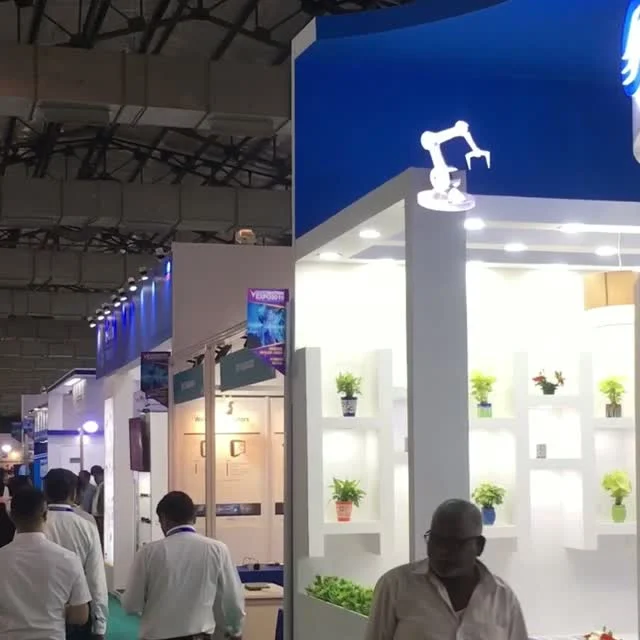
A booth worth stopping for
Give passing visitors a reason to meet your team.
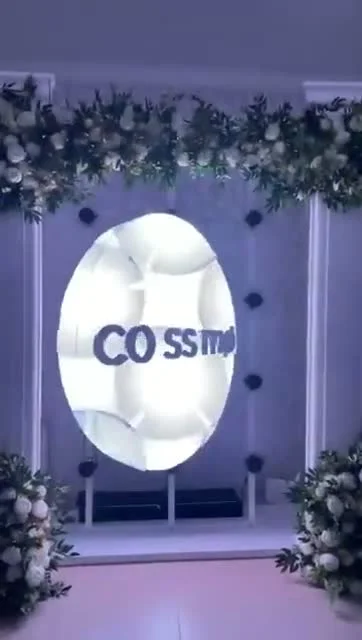
An entrance with impact
Make the welcome part of the event experience.
Find the right size for your space
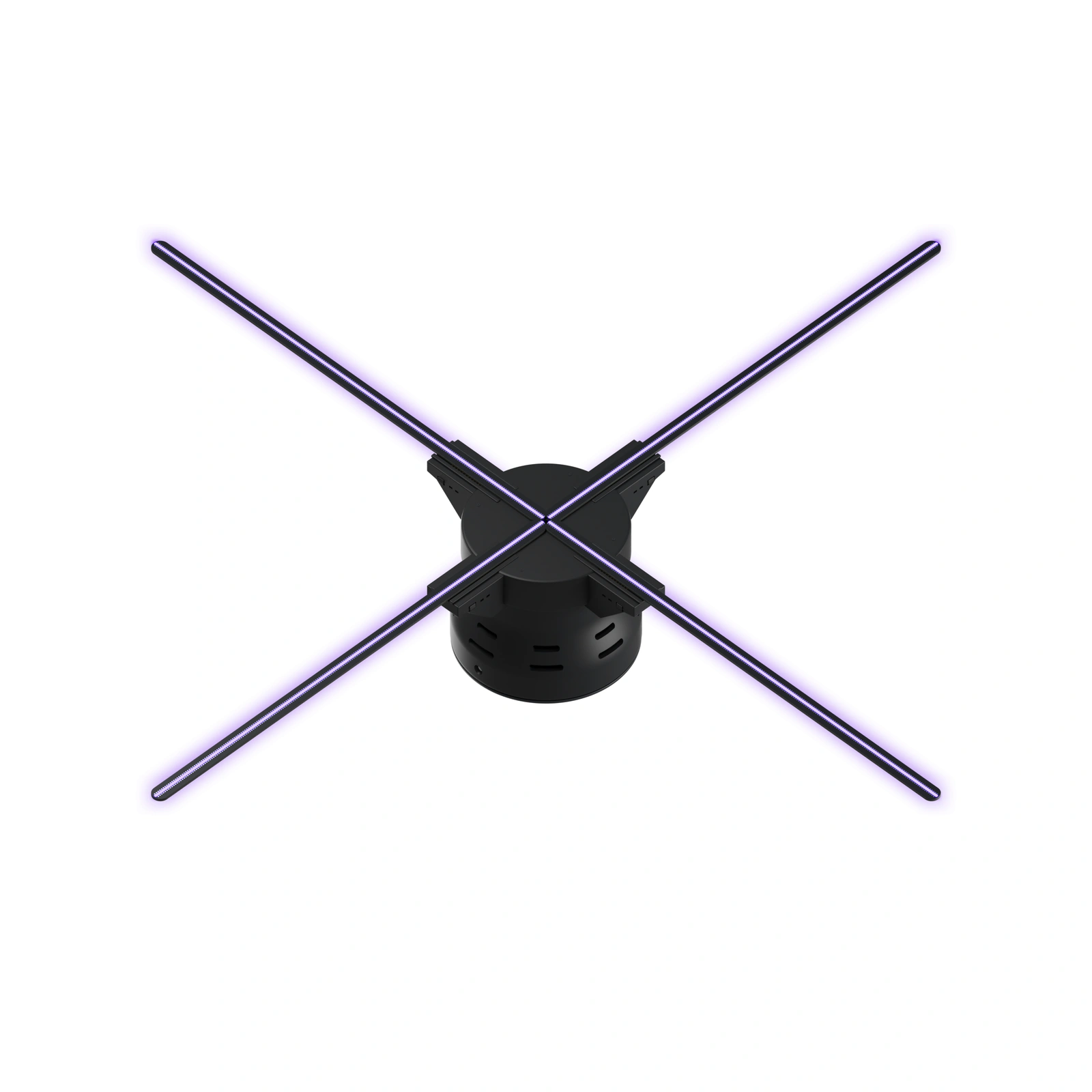
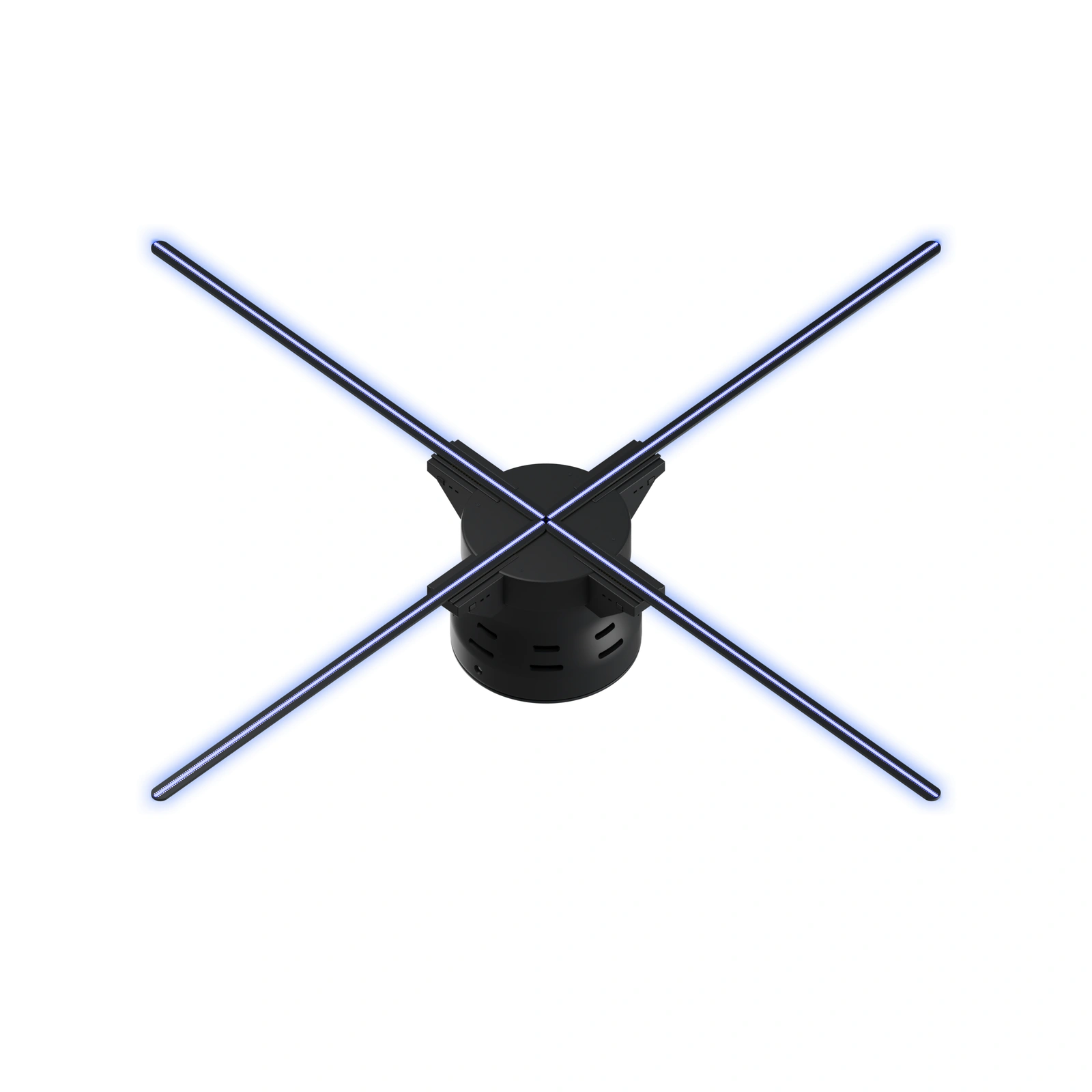
HF 22.5 suits focused storefront presentations. HF 26 gives booths and showrooms a flexible focal point.
HF 31.5 brings a larger visual to event entrances. Compare the nine sizes alongside the space you can allocate.
Measure the full installation, including protection and mounting, and check it from the audience approach. Size labels round metric diameters up to the next half inch; use exact installed dimensions for fitted enclosures.
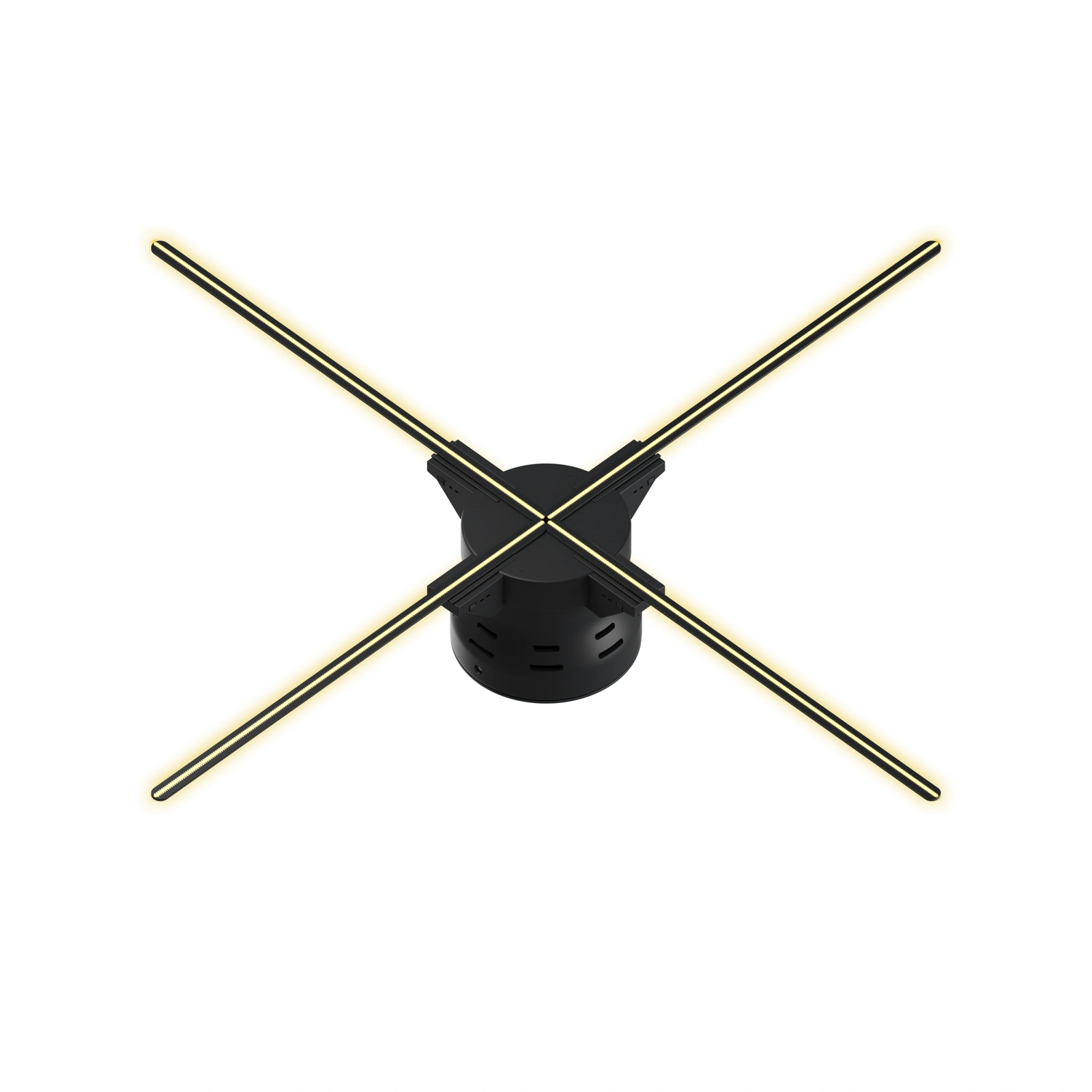
Make your content easy to understand
Start with a recognizable shape: your product, logo or an object connected to the experience. Use the 10,000+ video library to explore a direction.
For branded work, provide clean logo files, reference images and a short description of the desired movement. Keep the message simple enough to understand halfway through the loop.
A clear animation gives your team a natural opening for the details.
Plan a safe, practical installation
Sketch where the display will sit, where visitors will stand and how the cable will reach power. A calm background helps the floating object stand out.
Use compatible mounting and protection, follow the model instructions and keep rotating hardware beyond public reach. For a trade show, share the plan with the venue early.
For retail, leave merchandise accessible and make content updates easy for staff.
Give it room
Measure the display, mount and protective enclosure.
Find the contrast
Choose a calm backdrop and check the venue lighting.
Plan the power
Keep cable routes tidy and public walkways clear.
Make it secure
Use compatible hardware and follow the model instructions.
Budget for the complete display
Compare hologram fan prices with a consistent scope: the display, mounting, protection, transport and creative work. Request a quote with the sizes, quantity, venue and target date so the complete setup can be discussed together.
U.S. standard shipping is $10 per order. We also offer 30-day returns and a 12-month warranty.
Keep the agreed configuration for future expansions.
One complete display plan.
Get your team ready for launch
Choose one person to own the content and create a startup checklist. Review the hologram fan app workflow for the selected model, export a short test and inspect playback before opening.
Save the approved loop and label it clearly. Rehearse packing and setup if the display will travel.
A repeatable routine gives staff more time to focus on guests.
Choose one person to own the content.
Test the final loop on your display.
Save and clearly label the approved file.
Rehearse your setup before launch day.
Less last-minute setup. More time with your audience.Your buying questions, answered.
Size, setup and what comes with your display.
Buying guide FAQ
Which size is right for my space?
Compare HF 22.5, HF 26, HF 31.5. Match the full installation to the available space and review the animation from the direction visitors approach.
How much does the display cost?
Choose a model to see its current price or request a quote. Include mounting, protection, transport and branded creative work in the project budget.
Can I show my own logo or product animation?
Yes. Prepare branded content using the selected model’s supported format and export settings, then test it on the hardware. The included 10,000+ video library offers a starting point for exploring ideas.
How do I plan the installation?
Measure the full footprint, choose compatible mounting and protection, and plan the power route. Follow model instructions and keep rotating hardware beyond public reach. Test under venue lighting before launch.
What shipping, returns and warranty are included?
U.S. standard shipping is $10 per order; 30-day returns and a 12-month warranty are included. Review the shipping, returns and warranty pages for purchase policies.
Find your fan.
Make your impression.
From a focused storefront feature to a larger event welcome, there’s a size to explore.
- $10 flat standard U.S. shipping
- 30-day returns
- 12-month warranty
- 10,000+ videos