Hologram Fan Limitations (and How to Work Around Them)
Understand hologram fan limitations so you can make the most of the effect. Choose bold content, a clear viewing route and the right scale for an eye-catching business display.
Explore 3D hologram fans ↗- $10 flat standard U.S. shipping
- 30-day returns
- 12-month warranty
- 10,000+ videos
Hologram fan limitations: design around the strengths
Hologram fan limitations are easiest to manage when the display has a focused job. Floating logos, rotating products and bold objects play to its strengths.
Detailed spreadsheets and full presentations belong on a companion screen. Give the fan the visual hook and make the next step easy to find.
Use contrast to bring the object forward
A bright subject on black content makes unlit areas recede. Place the display against a quiet background and avoid strong reflections.
Check the location under normal operating lights, including daylight changes near windows. Adjust the backdrop or placement before adding detail to the animation.
A well-framed object has room to make an impression.
Recommended for a stronger visual impact
Choose the scale that brings your idea to life.
Give the audience a clear viewing route
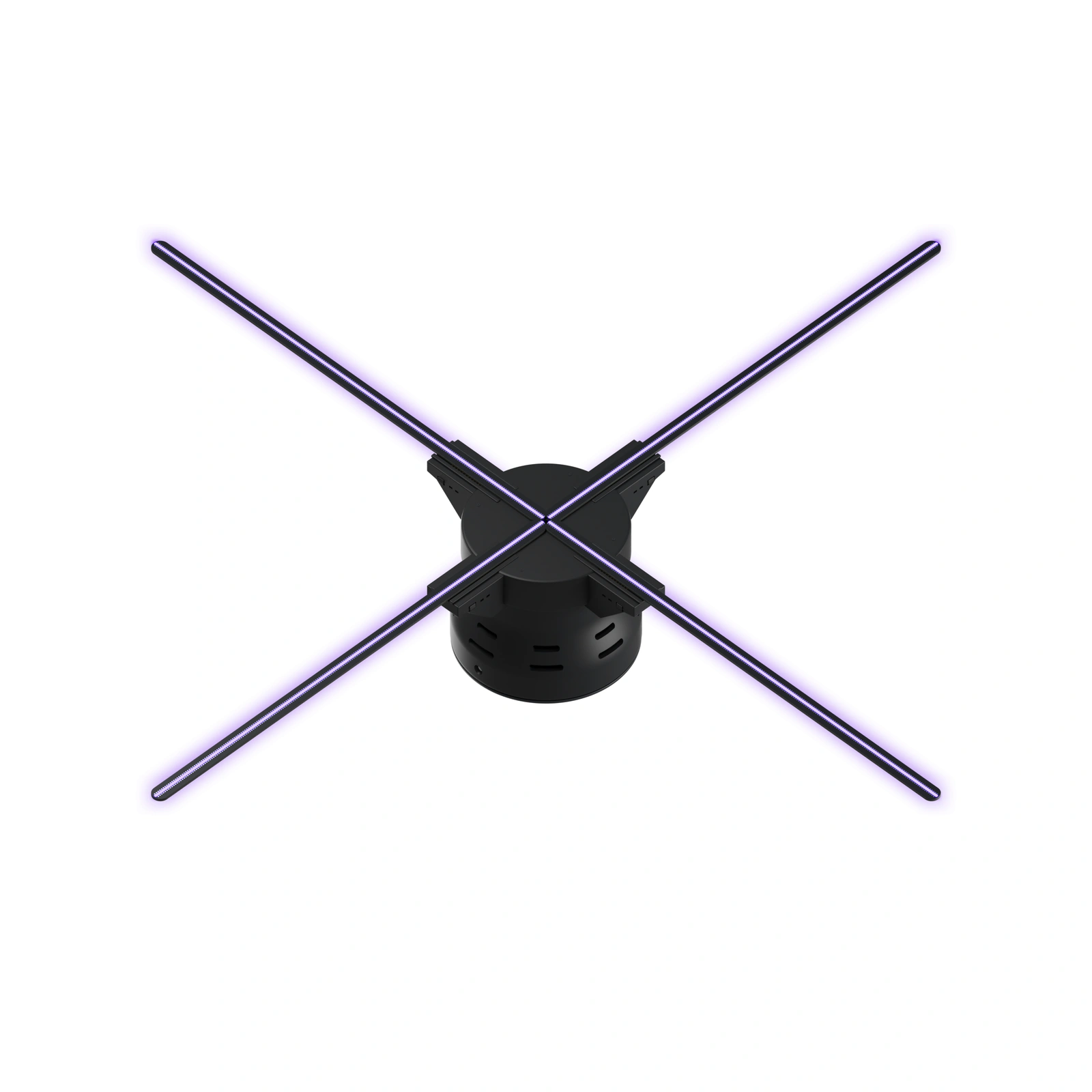
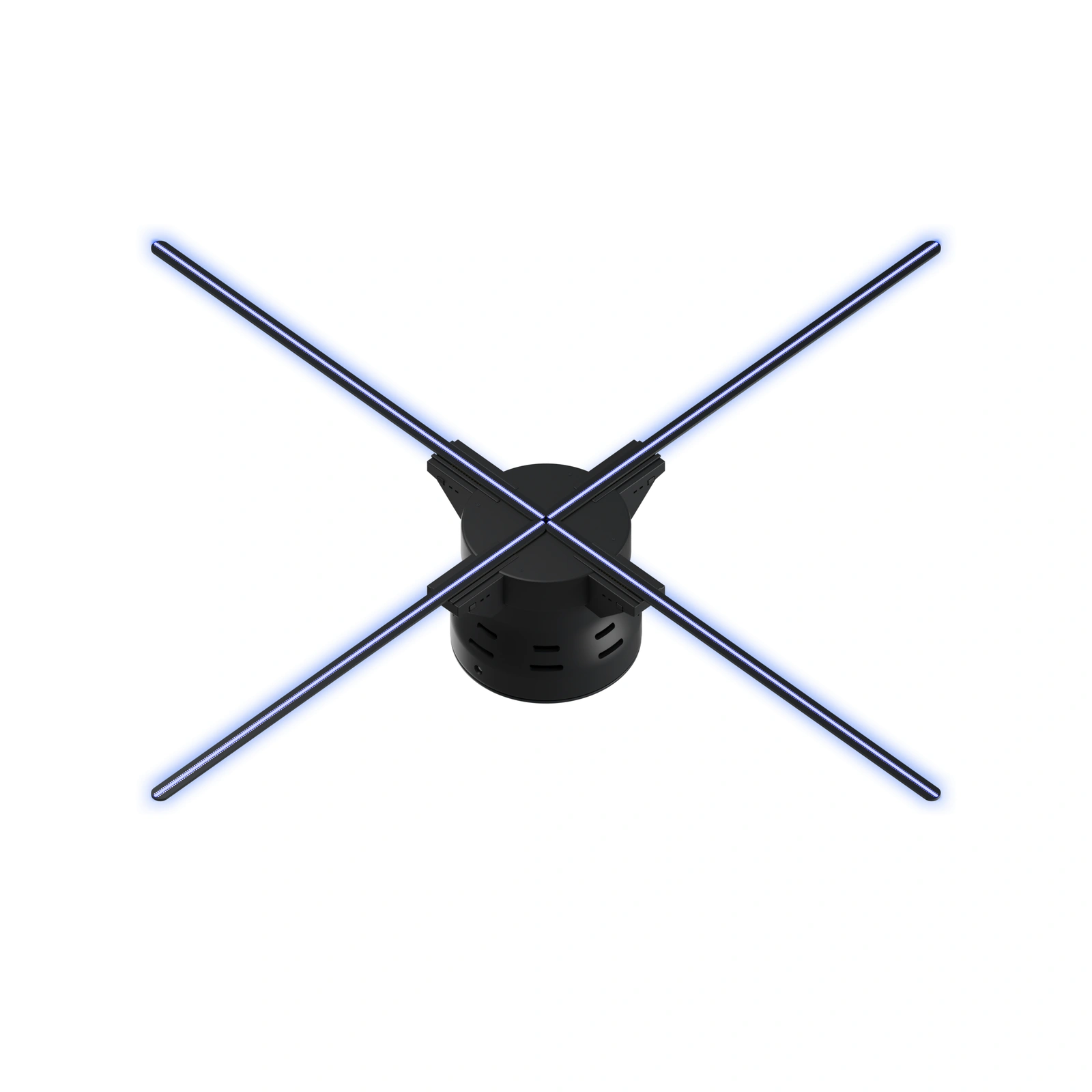
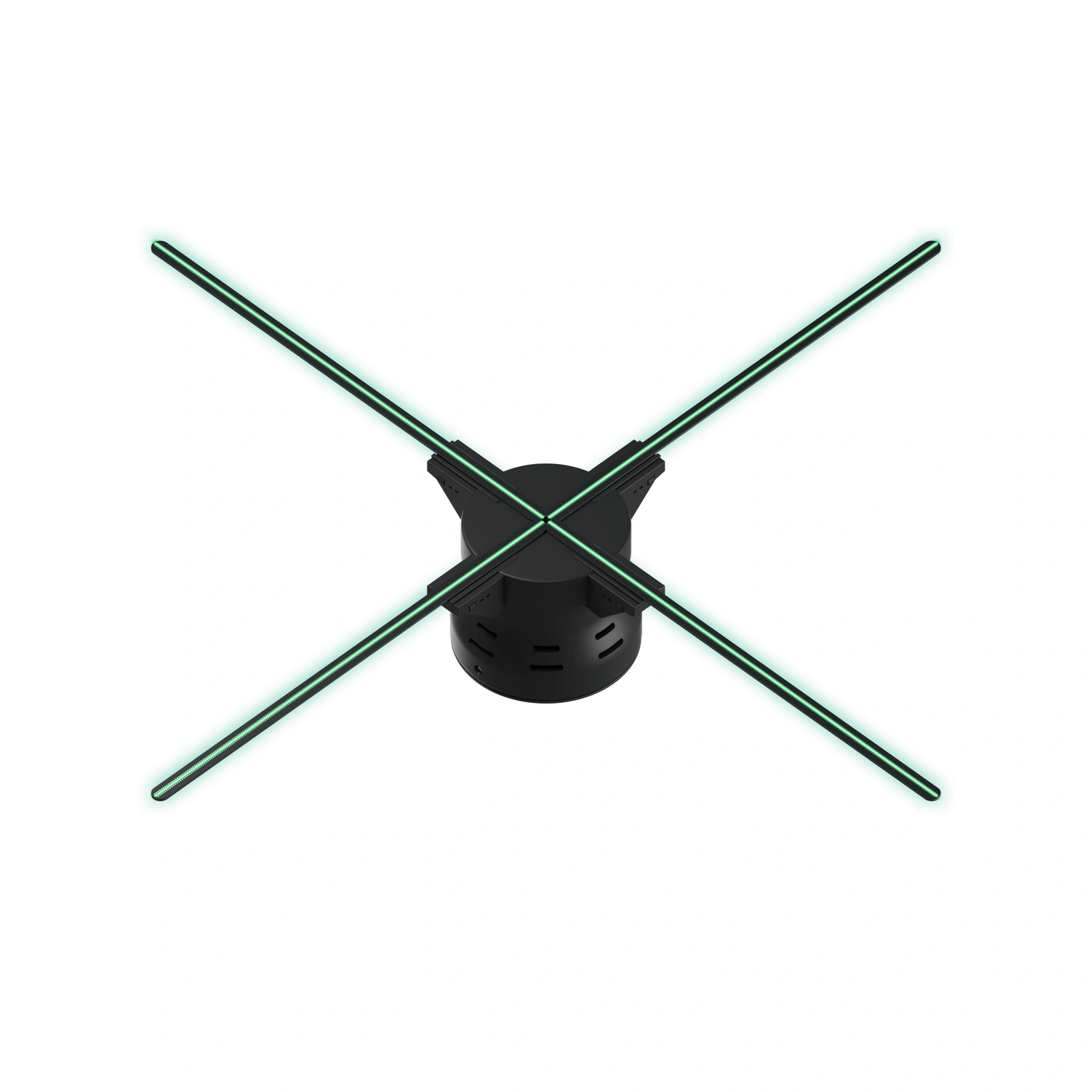
Position the fan for the direction people naturally approach. HF 26 suits booths and showrooms; HF 31.5 and HF 39.5 offer larger formats for entrances and expansive exhibits.
Walk through the space and view a test loop from the important stopping points. Choose size for the composition and venue, while reviewing model specifications for resolution and other requirements.
Keep moving hardware protected
Plan the installation around the audience as well as the image. Use compatible mounting and protective equipment, secure the power route and follow the model instructions.
Keep hands, clothing and loose objects away from rotating parts. Work with the venue on access and clearances, and leave staff a practical way to inspect the installation.
Make the content workflow repeatable
Create a short test file before producing a full campaign. Check the export requirements and upload method, then inspect framing, color and the loop transition on the display.
Use the 10,000+ video library to explore a direction and the hologram fan app guide to organize the process. Keep a copy of the approved content.
Choose the right setup for the whole project
Several locations need a plan for power, mounting and content ownership. Request a quote with your venue layout and desired experience.
Specify any live-input or coordinated-playback requirement during that discussion. U.S. standard shipping is $10 per order; 30-day returns and a 12-month warranty are included.
Use a companion screen for text-heavy information so the fan can concentrate on the visual.
FAQ
Which size is right for my space?
Compare HF 26, HF 31.5, HF 39.5. Match the full installation to the available space and review the animation from the direction visitors approach.
How much does the display cost?
Choose a model to see its current price or request a quote. Include mounting, protection, transport and branded creative work in the project budget.
Can I show my own logo or product animation?
Yes. Prepare branded content using the selected model’s supported format and export settings, then test it on the hardware. The included 10,000+ video library offers a starting point for exploring ideas.
How do I plan the installation?
Measure the full footprint, choose compatible mounting and protection, and plan the power route. Follow model instructions and keep rotating hardware beyond public reach. Test under venue lighting before launch.
What shipping, returns and warranty are included?
U.S. standard shipping is $10 per order; 30-day returns and a 12-month warranty are included. Review the shipping, returns and warranty pages for purchase policies.
Recommended for a stronger visual impact
Choose the scale that brings your idea to life.
- $10 flat standard U.S. shipping
- 30-day returns
- 12-month warranty
- 10,000+ videos